Create displays, rotate and critique
Gallery Walk
Visual displays (teacher-prepared prompts, student work, or group-created posters) are posted around the room. Small groups rotate through each station, analyzing the content and leaving written feedback, questions, or connections on sticky notes. Combines movement, analysis, and peer feedback.
What is Gallery Walk?
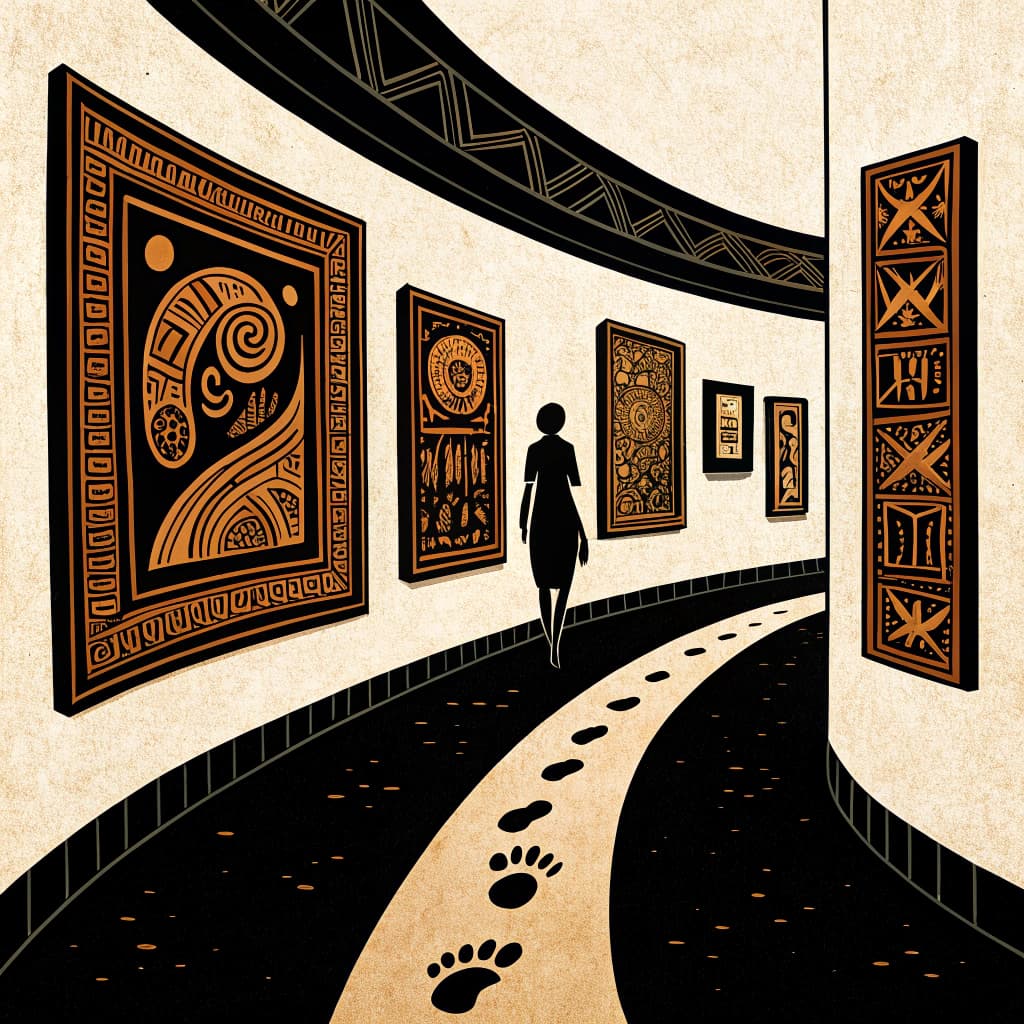
Gallery Walk is adapted from the physical experience of moving through an art gallery or museum, where visitors move at their own pace, pause at what interests them, and bring their own frameworks of interpretation to each piece. The classroom adaptation preserves this sense of intentional wandering through a space full of ideas, while adding the collaborative layer of responding to and building on what others have contributed.
The method's particular strength is its simultaneous-active format: rather than one person speaking while 29 others listen, everyone is moving, reading, and writing at the same time. This multiplies the amount of thinking that happens in a given amount of class time. A well-designed 20-minute Gallery Walk might produce 200 written contributions from 30 students, more intellectual output than a typical 50-minute discussion.
Gallery Walk works across many different content types. In social studies, stations might contain primary sources, maps, photographs, or political cartoons for students to analyze and respond to. In science, stations might contain data sets, experimental results, or case studies. In English, stations might contain brief passages or quotes from a text, images that connect thematically, or discussion questions about craft and structure. The common element is that each station gives students something to respond to, not just a blank prompt.
The response structure at each station is where Gallery Walk can be elevated from a superficial activity to a deep one. "Write your ideas" produces a collection of loosely related thoughts. "Add something to the existing conversation that hasn't been said yet", checked against what's already there, produces genuine intellectual contribution. "Identify the strongest claim already here and add the best counterargument you can think of" produces critical engagement with peers' thinking. The design of the response prompt at each station is as important as the design of the station content.
One underused dimension of Gallery Walk is the gallery itself as a formative assessment tool for the teacher. Walking through the stations during or after the activity reveals what students actually know, what misconceptions are widespread, where vocabulary breaks down, and which aspects of the content require more instruction. A teacher who attends to the written conversation on the chart paper is doing real-time formative assessment at scale.
The debrief is where the Gallery Walk's collected thinking is turned into consolidated understanding. Without it, the activity produces raw material, observations, questions, connections, but no synthesis. The debrief asks: What patterns did you notice across all the stations? What surprised you? What questions are you leaving with? What's the most important idea you encountered that you hadn't thought of before? These questions move the activity from experience to understanding.
How to Run Gallery Walk: Step-by-Step
Prepare Stations
7 min
Post prompts, images, or student work at different locations around the room, ensuring enough space between them to prevent crowding.
Assign Groups and Roles
6 min
Divide the class into small groups of 3-5 students and assign roles such as 'Recorder,' 'Timekeeper,' or 'Facilitator' to ensure accountability.
Provide Clear Instructions
6 min
Distribute a graphic organizer or response sheet and explain exactly what students must do at each station, such as 'Identify one error' or 'Ask one question.'
Execute Rotations
7 min
Signal groups to move to their first station and set a timer for 3-5 minutes, using a consistent sound or visual cue to indicate when it is time to rotate.
Monitor and Facilitate
7 min
Circulate throughout the room to listen to group discussions, clarify misunderstandings, and prompt deeper thinking with open-ended questions.
Conduct Whole-Class Debrief
7 min
Bring the class back together to discuss common themes, address frequent misconceptions, and allow groups to share their most significant findings.
BEFORE YOU TEACH THIS
Read the Teacher's Guide first.
Flip Education's Teacher's Guide walks you through how to facilitate any active learning lesson: mindset, pre-class checklist, phase-by-phase facilitation, and a Quick Reference Card you can print and bring to class.
Read the Teacher's Guide →Common variants
Silent gallery walk
No speaking. Students write feedback on sticky notes at each station, then debrief together at the end. The silence raises the quality of what gets written.
Rotating-host gallery walk
One group member stays at each station to present to incoming visitors while the rest rotate. Everyone takes a turn hosting. Builds presentation stamina.
Critique-only gallery walk
Visitors leave only one glow and one grow at each station, using a shared rubric. Disciplines the feedback and makes revision tractable.
Research Evidence for Gallery Walk
Francek, M. (2006, The journal of college science teaching)
The study demonstrates that Gallery Walks foster active student engagement, encourage collaborative team building, and provide instructors with a clear visual method to identify and address student misconceptions.
Common Gallery Walk Mistakes and How to Avoid Them
Stations with no clear task
If students arrive at a poster or prompt and don't know what they're supposed to do, they mill around or copy what others wrote. Each station needs an explicit, verb-driven prompt: 'Add one connection to your own experience,' 'Write a question this raises,' 'Argue the opposite of what's already here.'
Students crowding one station
When groups move at the same pace, popular or easier stations get crowded while others stay empty. Stagger start times so groups begin at different stations, or use a timer with a clear rotation signal.
Sticky notes that just restate what's already there
Without guidance, students copy or repeat rather than extending thinking. Instruct students explicitly: 'Your response must add something the current notes don't include.' A quick class discussion of what counts as a 'new idea' before starting helps.
Gallery walk ends without synthesis
Students gather insights across stations but never connect them. End with a 'gallery debrief' where the class identifies patterns, contradictions, and the three most important ideas across all stations. This turns fragmented responses into coherent understanding.
Physical space that limits movement
Cramped rooms or immovable furniture make rotations frustrating. Plan your station placement before class. Even small classrooms can accommodate gallery walks with stations on desks, windows, and doors, not just walls.
How Flip Education Helps
Printable station prompts and visual anchor content
Flip generates printable station prompts and visual anchor content that you can hang around the room. Each station includes a specific task or question related to your topic, along with response templates for students to use as they circulate. These materials are ready to print and display immediately.
Curriculum-aligned stations for grade-level mastery
Every station is designed to cover a specific aspect of your lesson topic and standards. The AI ensures the content is appropriate for your grade level, providing a comprehensive tour of the subject matter in one session. This alignment makes the movement purposeful and educational.
Facilitation script and numbered rotation steps
Use the generated script to brief students on the gallery walk expectations and follow numbered steps for timing the rotations. The plan includes teacher tips for observing student work and intervention tips for keeping groups on task. You get a clear structure for managing a high-movement classroom.
Synthesis debrief and exit tickets for assessment
The debrief provides 2-3 questions to help students synthesize what they observed at each station. An exit ticket is included to assess individual learning from the walk. The generation concludes with a bridge to the next lesson, ensuring the activity fits your unit flow.
Tools and Materials Checklist for Gallery Walk
- Large paper (butcher paper, poster board)
- Markers, colored pencils, crayons
- Sticky notes (various colors recommended)
- Tape or pushpins for displaying work
- Timer or stopwatch
- Digital presentation software (e.g., Google Slides, Canva) (optional)
- Interactive whiteboards or projectors for digital displays (optional)
- Rubric or guiding questions for feedback
- Clipboards for students to write on (optional) (optional)
Frequently Asked Questions About Gallery Walk
What is a Gallery Walk in teaching?
A Gallery Walk is a discussion technique that gets students out of their seats to interact with content posted around the room. It functions as a mobile seminar where students analyze, discuss, and respond to different prompts at various stations. This movement helps sustain attention and encourages collaborative problem-solving.
How do I use Gallery Walk in my classroom?
To use a Gallery Walk, place different prompts or student projects at designated 'stations' around the room and have small groups rotate through them on a timer. Provide students with a specific task at each stop, such as writing a comment on a sticky note or filling out a graphic organizer. The teacher should circulate to facilitate discussions and monitor progress.
What are the benefits of Gallery Walk for students?
The primary benefits include increased physical engagement, improved communication skills, and the opportunity to see multiple perspectives on a single topic. It allows students to practice giving and receiving constructive feedback in a low-stakes environment. Additionally, it helps kinesthetic learners process information more effectively through movement.
How do you assess students during a Gallery Walk?
Assessment is best handled through formative observation and the collection of 'artifacts' like exit tickets or annotated sticky notes left at stations. Teachers can use a simple rubric to grade the quality of peer feedback or the completeness of a reflection sheet. This provides immediate data on student understanding without a formal quiz.
How do you manage behavior during a Gallery Walk?
Effective management relies on clear rotation signals, defined roles within groups, and specific time limits for each station. Using a digital timer and providing a structured recording sheet keeps students focused on the task rather than the novelty of moving. Establishing 'norms' for movement and volume before starting is essential for success.
Classroom Resources for Gallery Walk
Free printable resources designed for Gallery Walk. Download, print, and use in your classroom.
Gallery Walk Observation Sheet
Students record their observations, questions, and feedback as they rotate through each station during the gallery walk.
Download PDFGallery Walk Reflection
Students reflect on what they learned from viewing peer work and how it shapes their own thinking.
Download PDFGallery Walk Station Roles
Assign roles to make each rotation focused and productive during the gallery walk.
Download PDFGallery Walk Feedback & Discussion Prompts
Prompts organized by gallery walk phase, from initial observation through whole-class synthesis.
Download PDFSEL Focus: Social Awareness in Gallery Walk
A card focused on giving and receiving constructive feedback with empathy and respect during the gallery walk.
Download PDFReady to try this?
- Read the Teacher's Guide →
- Generate a mission with Gallery Walk →
- Print the toolkit after generating
Generate a Mission with Gallery Walk
A complete lesson plan, aligned to your curriculum.